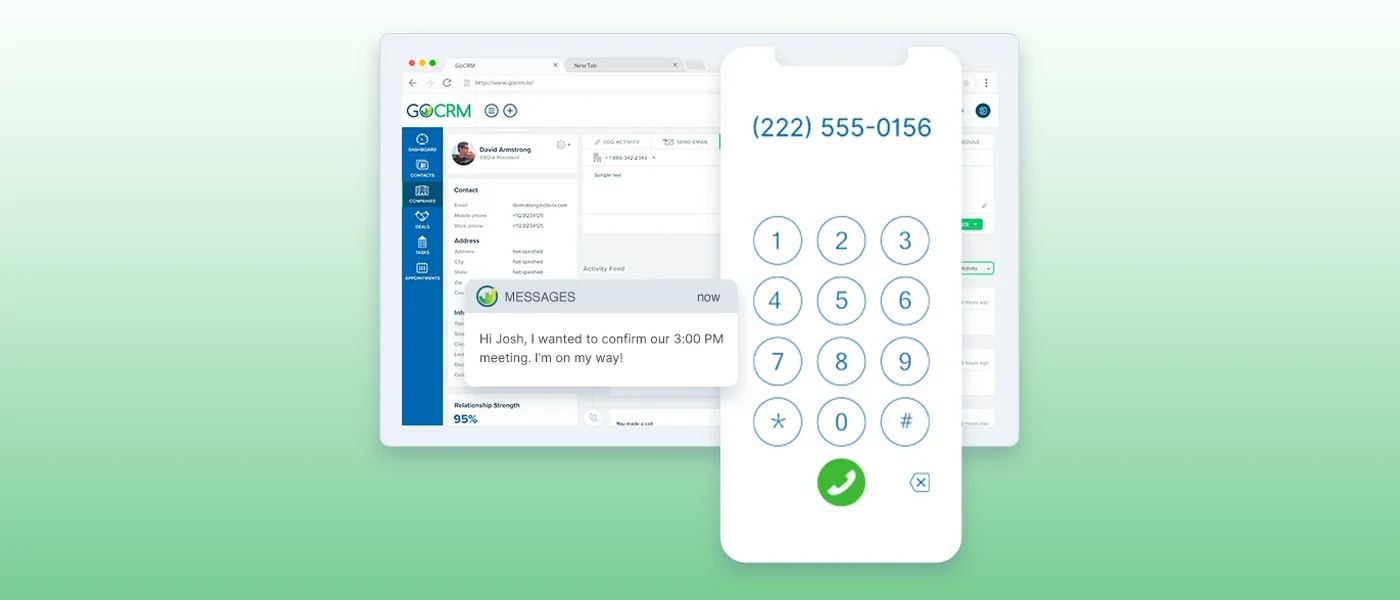
The best CRM with built-in calling lets your team call a lead from the contact record, answer on a business number and see every call logged on that contact, all without a second phone subscription or a connector to look after. That last part matters, because some well-known CRMs only connect to a separate phone app, even though they appear on lists like this one.
We compared ten options and checked each one against the vendor's own pages and help docs in November 2026. We make GoCRM, so it is on the list, and we have tried to be fair to the other nine: each section says how calling works, how numbers and minutes are handled, who the tool suits and what to watch out for. Plans and features change often, so check the vendor's own page before you buy. The screenshots come from each vendor's website in November 2026.
The short list
| CRM | How calling works | Best for |
|---|---|---|
| GoCRM | Built in, on local business numbers, from a browser or the mobile app | Small teams that answer leads by phone and text |
| Close | Built in, with power and predictive dialers, billed per minute | Sales teams that call all day |
| HubSpot | Built in on paid Sales Hub and Service Hub plans, with a monthly pool of minutes | Teams already running on HubSpot |
| Freshsales | Built in, paid from prepaid phone credits | Sales teams that need numbers in several countries |
| Salesmate | Built-in option with a power dialer, paid from prepaid credits | Small sales teams that want a dialer in a general CRM |
| Bigin by Zoho | Built-in cloud telephony, pay for what you use | Very small teams that want a simple pipeline |
| HighLevel | Native phone system, billed by usage | Marketing agencies that run many client accounts |
| Bitrix24 | Native telephony with phone menus, queues and a power dialer | Companies that want CRM, tasks and chat in one suite |
| Ringy | Built-in VoIP softphone with progressive dialing and local caller ID | Insurance agents and phone sales teams |
| Keap | Keap Business Line, a business number in the Keap app | Solo owners who want a second number on their cell |
What to look for in a CRM with built-in calling
- Calling that works on its own. You should be able to get a number and make a call without paying a second phone vendor. If the help page sends you to an app marketplace, that is an integration, not built-in calling.
- Automatic logging in both directions. Incoming and outgoing calls should land on the right contact with the time, the length and your notes, without anyone typing them in.
- Numbers you control. Check whether you can get local and toll-free numbers, give each person their own, reassign a number when someone leaves and keep the number you already have.
- A plan for incoming calls. Look at routing, voicemail, forwarding to a cell phone and what happens after a missed call. A lead who reaches voicemail may call the next company on the list.
- The right kind of dialer. Click-to-call is enough if you call a few leads a day. A power dialer moves to the next number on a list when a call ends. A predictive dialer rings several numbers at once and connects a rep when someone answers, which suits larger outbound teams.
- Recording you can manage. Check how long recordings are kept, whether transcripts and summaries are included and whether you can turn recording off.
- Calling from a cell phone. The mobile app should use the business number, so your team's personal numbers stay private.
- How you pay for minutes. Some CRMs include a monthly pool of minutes. Others bill per minute from a balance, and numbers are often a separate monthly charge. Ask what happens when the pool or the balance runs out.
The 10 best CRMs with built-in calling in 2027
1. GoCRM
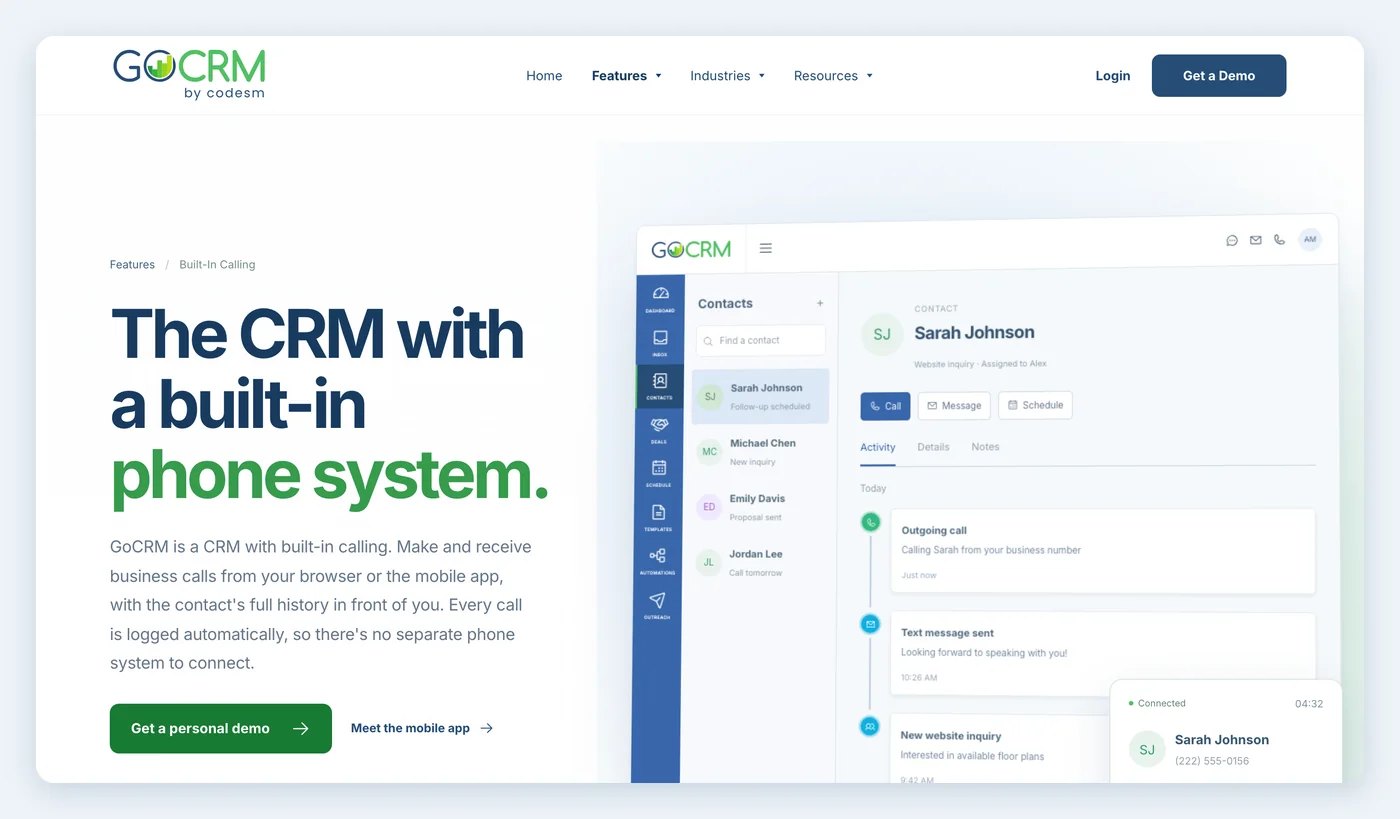
GoCRM is built around the phone. Calling, two-way texting and follow-up automation are part of the product, so your team calls from a browser or the mobile app on a business number, and every call lands on the contact record.
- Calling: built in. Make and receive calls from a browser or the iPhone and Android app. Calls log automatically, and recordings and voicemails are saved on the contact timeline with your notes.
- Numbers: dedicated local numbers that you can assign to people or territories and reassign later. A campaign can have its own tracking number, so you can see which ads, mailers and signs make the phone ring.
- Incoming calls: calls ring in GoCRM first and can forward to another line after a few seconds. The customer only sees your business number, and call whisper tells you the call is coming through GoCRM. A missed call can send an automatic text reply.
- Best for: small sales teams that answer leads by phone and text, such as home builders, real estate teams, mortgage lenders, insurance agencies, HVAC companies and contractors.
- Watch out for: pricing is not published online, so you get it on a demo. GoCRM is built for answering and following up with leads, not for high-volume cold calling, so a team that lives in a power dialer should look at Close or Ringy first. If you want to keep your current number, ask on the demo.
See how it works on the built-in calling page.
2. Close
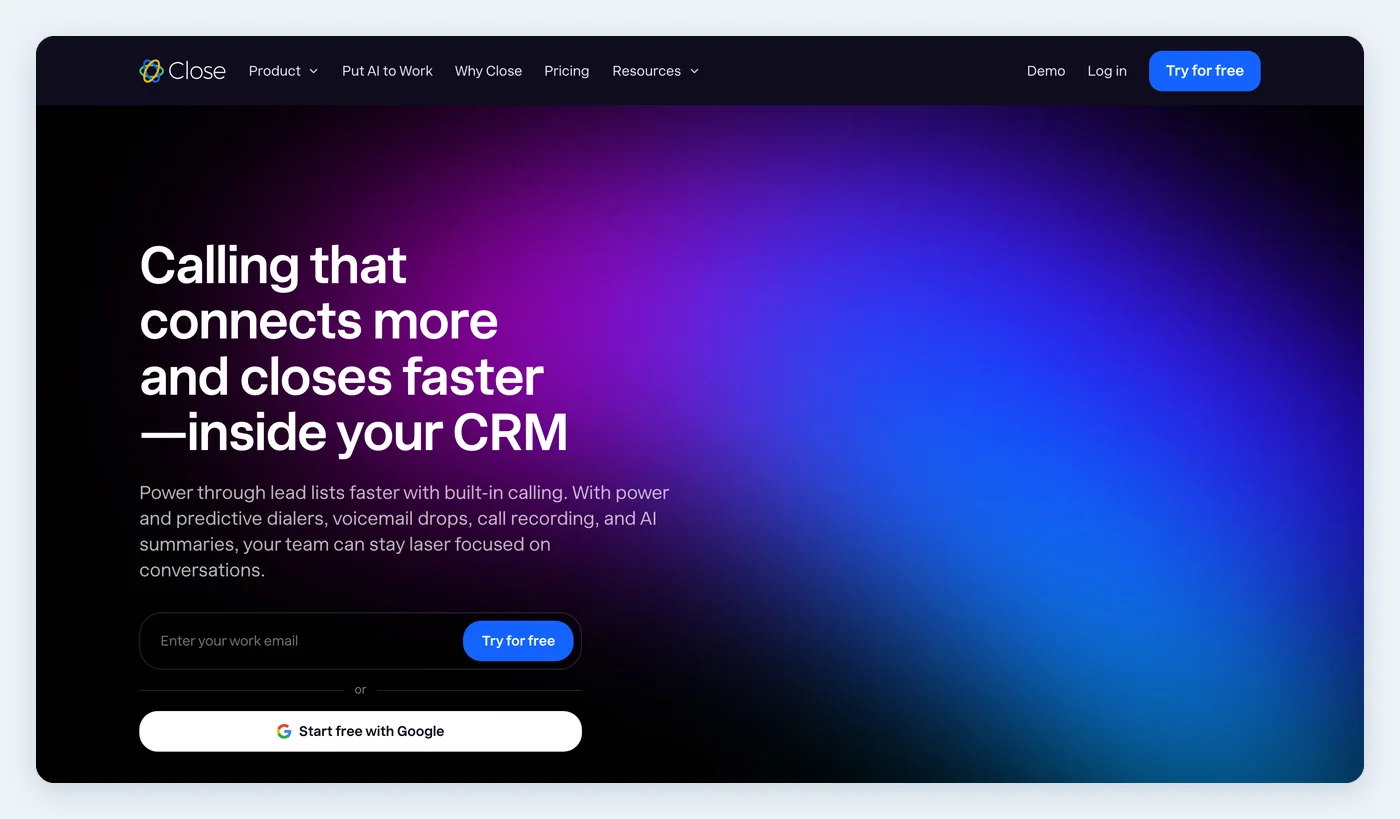
Close is a sales CRM that puts calling, email and texting in one inbox. Close says its calling needs no extra apps or integrations.
- Calling: built in, from the browser and the mobile apps, with automatic logging and call recording. An optional Call Assistant adds transcripts and summaries.
- Dialers: a power dialer and a predictive dialer, plus one-click voicemail drop. The predictive dialer is on the top plan, and voicemail drop is on the Growth and Scale plans.
- Numbers: port your existing number or rent a new one. Local Presence picks the best caller ID for each call, and incoming calls can use phone menus, group numbers and round-robin routing.
- Best for: sales teams whose day is mostly outbound calling.
- Watch out for: minutes are billed per use and numbers are billed monthly, both on top of the plan. Recording retention depends on the plan, and Close's help docs say warm transfers are not supported right now.
3. HubSpot
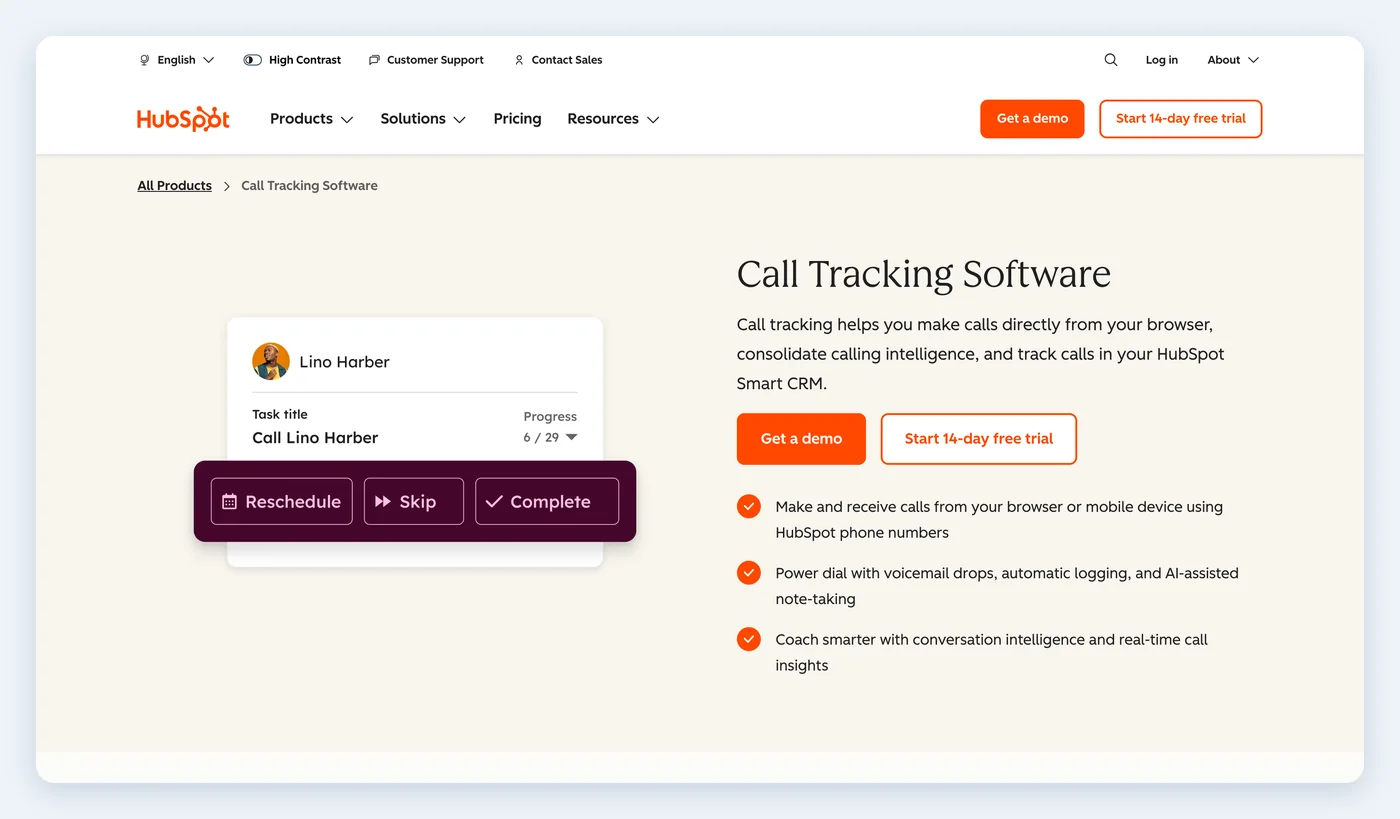
HubSpot includes a calling tool on its paid Sales Hub and Service Hub plans.
- Calling: call from a contact record using your browser, your own phone or the HubSpot mobile app. Admins can manage recording and transcription settings and require a logged outcome for each call.
- Dialer: HubSpot's calling page lists a power dialer with voicemail drops and automatic logging. Check which plan includes it.
- Numbers: there are two paths. HubSpot-provided numbers, powered by Twilio, can take incoming calls, use routing and voicemail, play a recording consent message and be reassigned by an admin. They need a one-time regulatory review. A registered number shows your existing line as caller ID, but it is outbound only.
- Best for: teams that already use HubSpot and want calls on the same record.
- Watch out for: calling requires the right paid seat, and minutes are a monthly limit. Once you hit it, you can't start new calls until the minutes reset or you add more. Calling through your own phone uses minutes twice as fast.
4. Freshsales
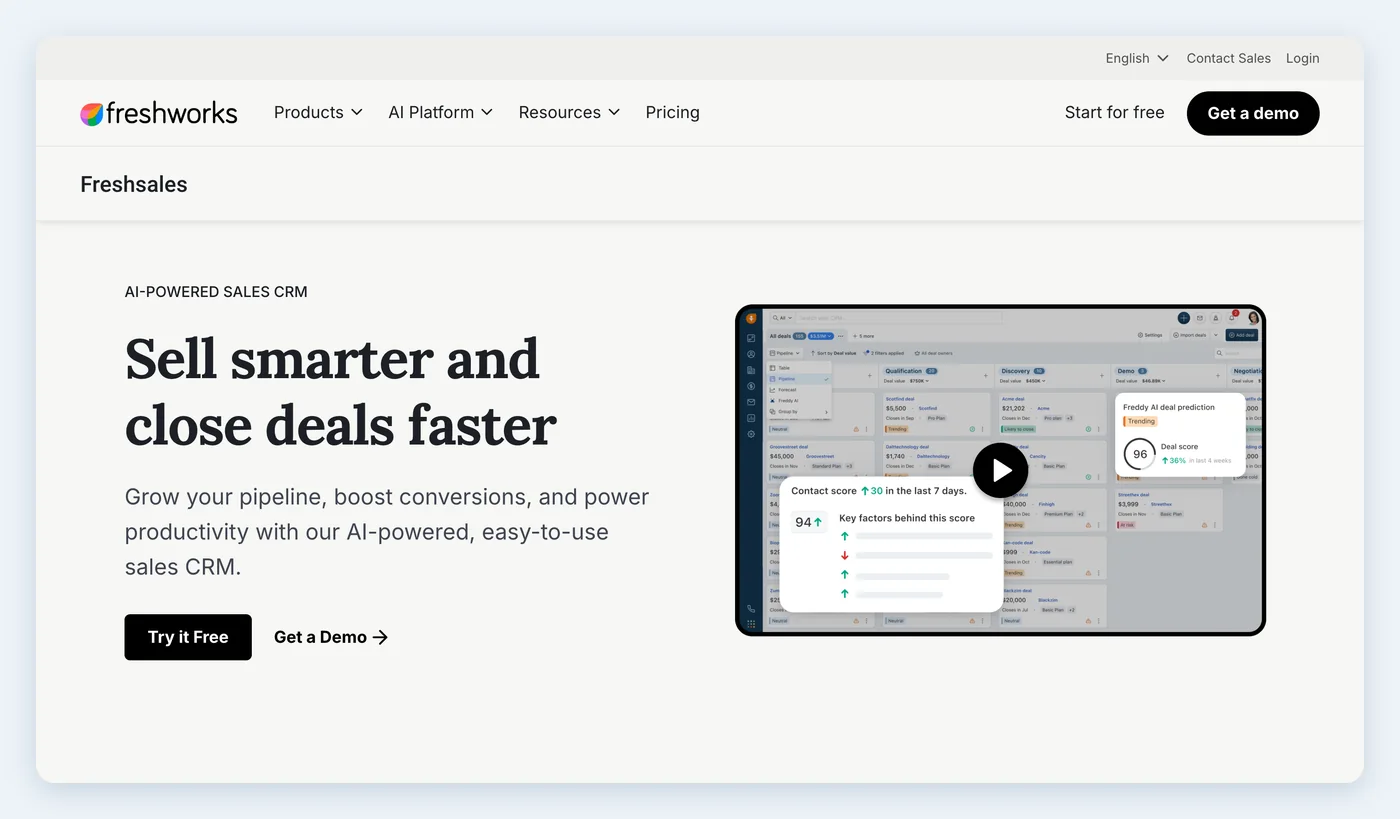
Freshsales, from Freshworks, includes a phone inside the CRM.
- Calling: click to call from the CRM, with call logs and recordings on the record. You choose which calls each number records.
- Dialer: Freshworks' help docs describe a power dialer that works through a list of numbers or saved contacts one after another. Check which plan includes it.
- Numbers: buy local and toll-free numbers from more than 90 countries, plus mobile and vanity numbers. You can also port an existing number or bring your own carrier.
- Best for: sales teams that want a phone in the CRM and need numbers outside the US.
- Watch out for: calls and numbers draw from a prepaid credit balance, and with low or no credit you can't make or receive calls. Recording and transfers can add to call charges, and Freshworks says porting can take four to six weeks.
5. Salesmate
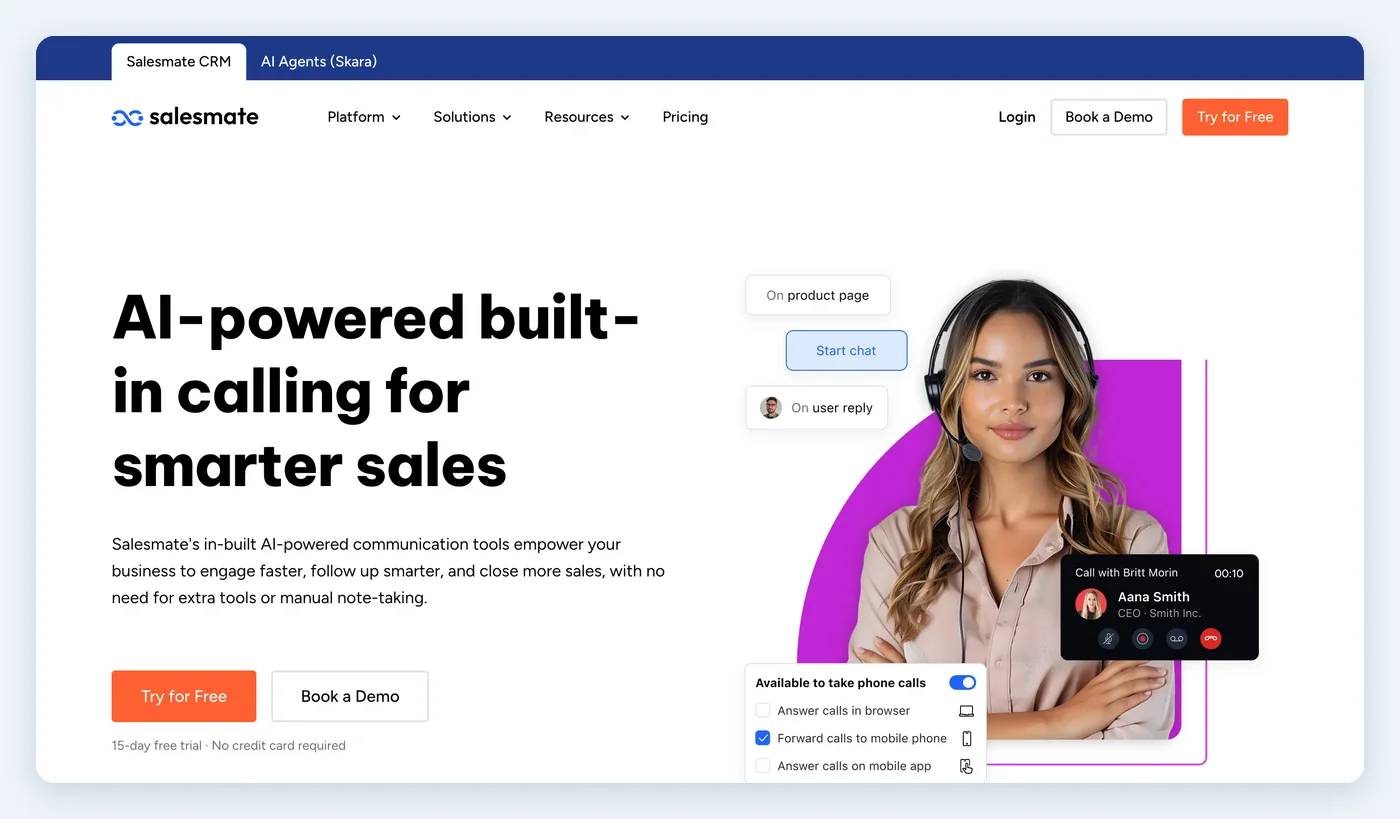
Salesmate is a general sales CRM with a built-in phone and texting option.
- Calling: make and receive calls in the browser or on your cell phone, with automatic logging and optional recording. AI can transcribe calls and summarize them afterward.
- Dialer: a power dialer with a set wait time between calls and pre-recorded voicemail drop.
- Numbers: buy local and toll-free numbers. Salesmate lists virtual numbers in more than 80 countries.
- Best for: small sales teams that want a dialer without moving to a CRM built only for outbound calling.
- Watch out for: you enable calling, buy a number and top up credits, so the plan price is not the whole cost.
6. Bigin by Zoho
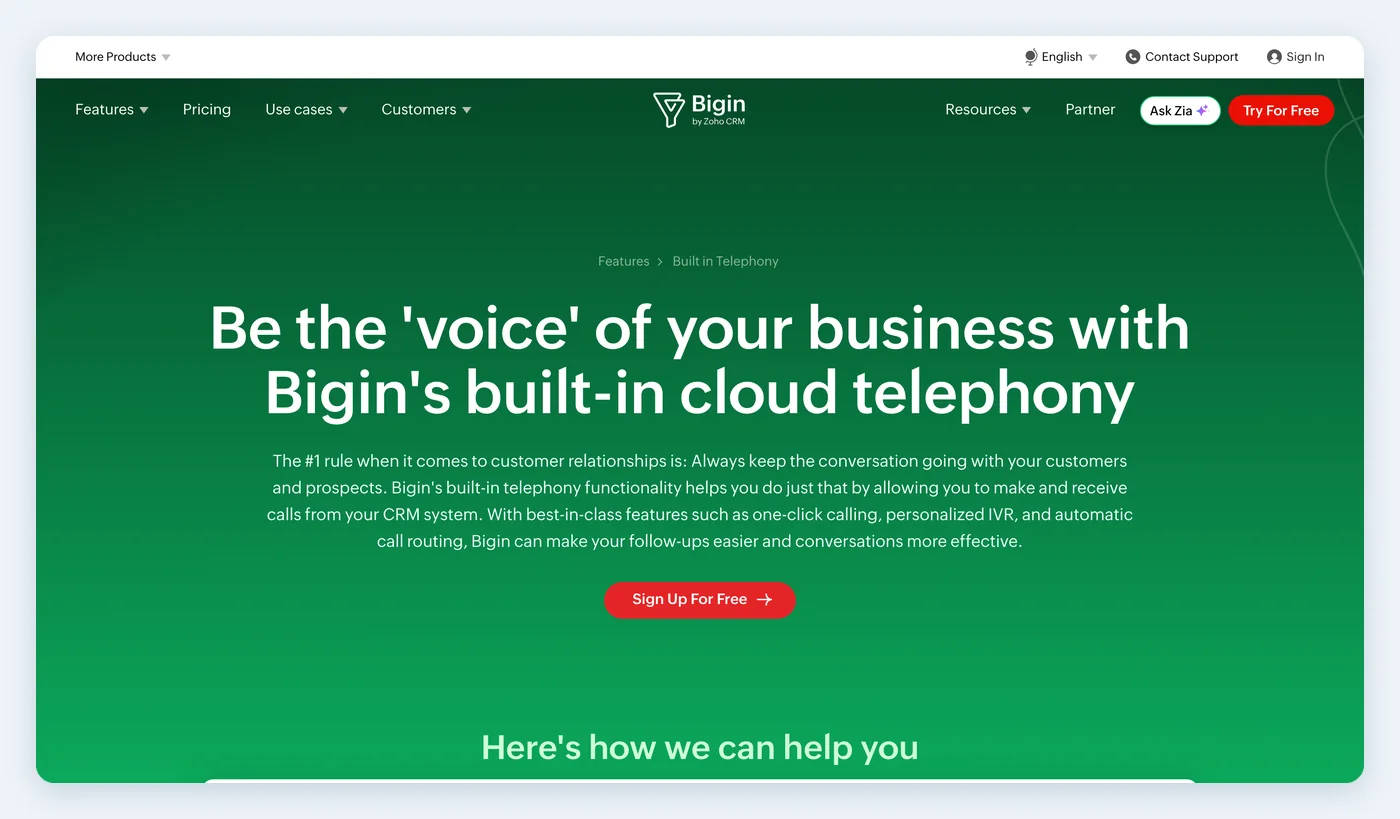
Bigin is Zoho's simple pipeline CRM for small teams.
- Calling: built-in cloud telephony with one-click calls, automatic logging and recording, from a computer or the mobile app. No desk phones are needed.
- Numbers: buy local and toll-free numbers and give reps their own outgoing number. Phone menus and call flows handle incoming calls. If you already have a phone system, Zoho's PhoneBridge connects vendors such as RingCentral instead.
- Best for: very small teams that want a simple pipeline with calling.
- Watch out for: you pay for numbers and minutes as you use them, records and automations are capped by plan, and we did not see a power dialer on its pages.
7. HighLevel
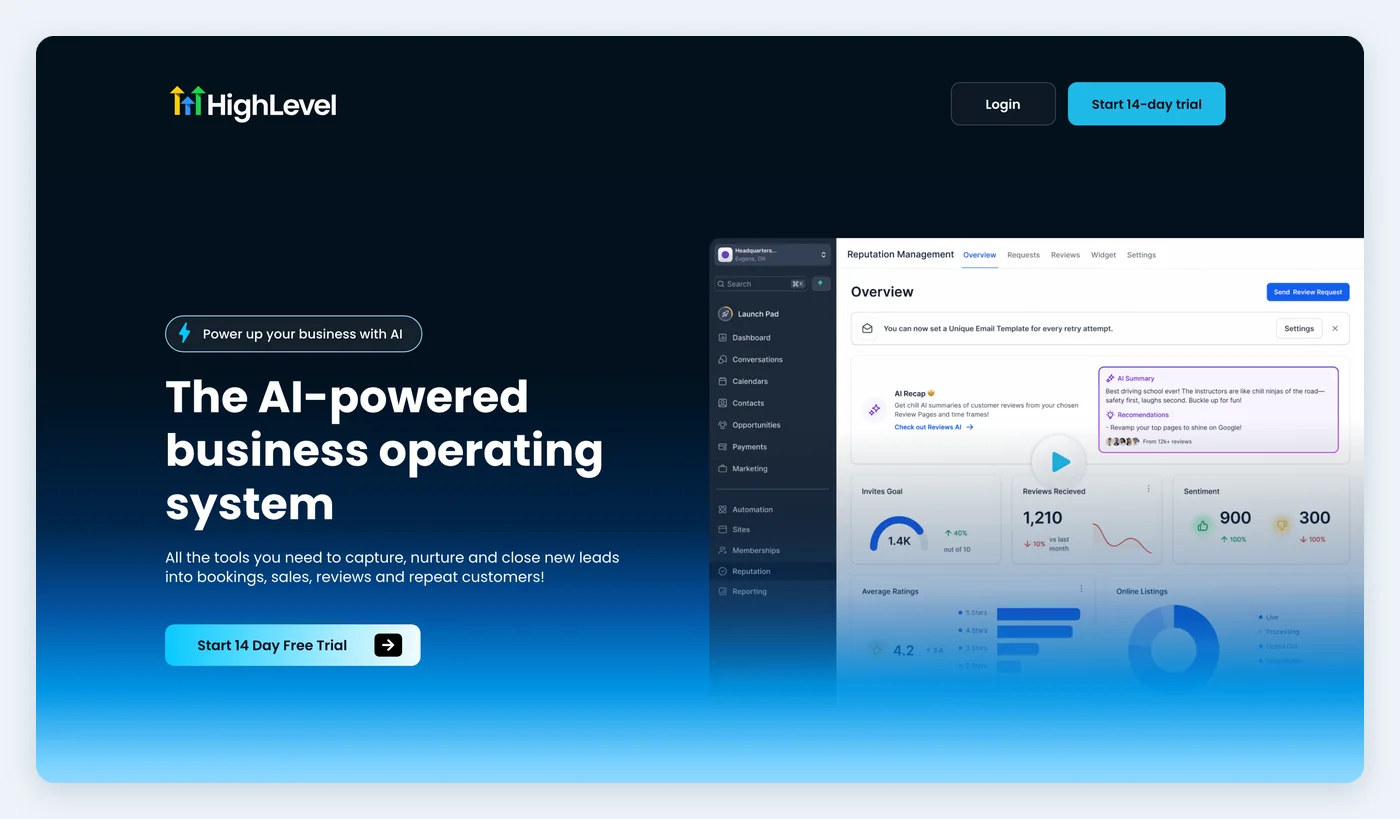
HighLevel is an all-in-one marketing platform with plans organized around agencies and client sub-accounts.
- Calling: a native phone system for incoming and outgoing calls, with a web dialer and a power dialer, plus call tracking and missed-call text-back.
- Numbers: rent local and toll-free numbers by the month or port a number you already have. Agencies on the higher plans can rebill phone usage to their clients.
- Best for: marketing agencies that run many client accounts.
- Watch out for: usage is billed on top of the subscription, with per-minute calls and added charges for recording and transcription. A single small business may find it has far more to set up than it needs.
8. Bitrix24
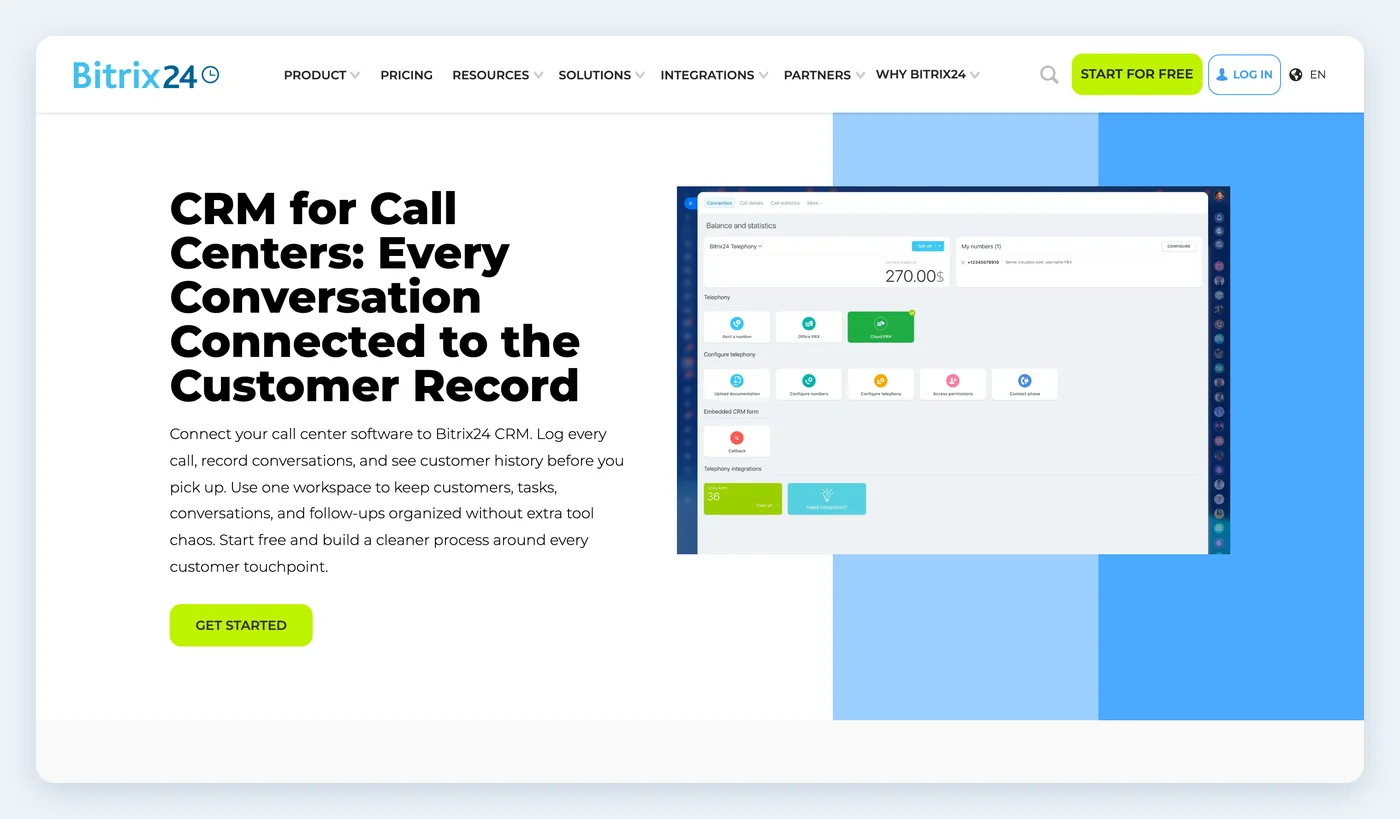
Bitrix24 is a broad business suite that combines a CRM with chat, tasks, documents and telephony.
- Calling: native telephony that matches the caller to the CRM record, logs calls automatically and attaches recordings to the timeline. AI tools can transcribe and summarize calls.
- Dialer and routing: a power dialer that works from filtered CRM lists, plus phone menus, queues and routing rules.
- Numbers: use Bitrix24's cloud telephony, connect your own SIP phone system or run both while you migrate. You can port numbers or buy new local and toll-free ones.
- Best for: companies that want CRM, tasks and chat in one suite, and call centers replacing an older phone system.
- Watch out for: it does a lot beyond sales, so a small team may get more software than it wants. Confirm which calling features your plan and country include.
9. Ringy
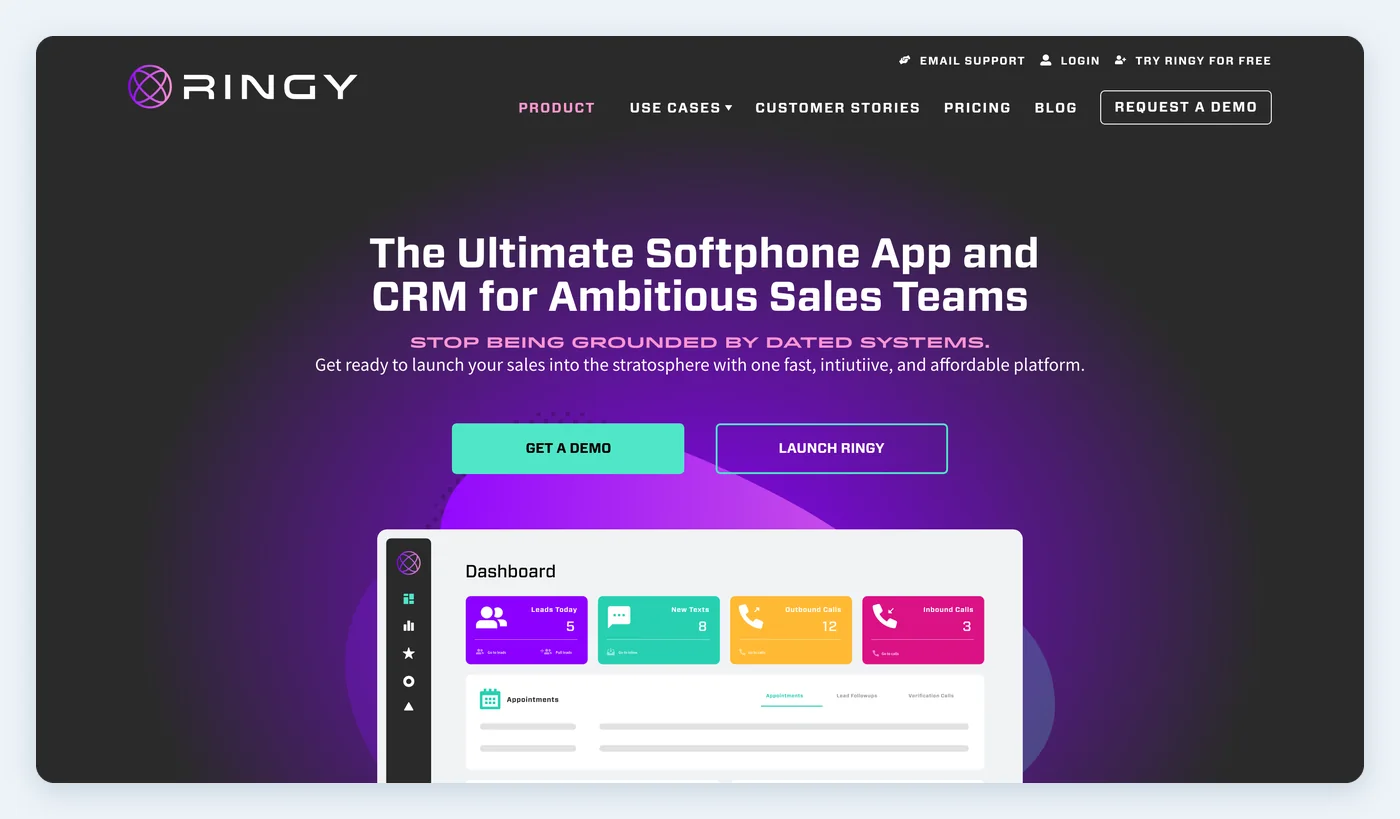
Ringy is a CRM built for phone sales. It says it is made for sales teams, insurance agents and call centers.
- Calling: a built-in VoIP softphone with click-to-call, progressive dialing, automatic call logs and recordings, on desktop and in a smartphone app. Calls can divert to a cell phone or another agent.
- Numbers: Smart Local ID shows a number that matches the prospect's area, and prospects can call back on it.
- Coaching: managers can coach agents discreetly during a call.
- Best for: insurance agents and teams that sell mainly over the phone.
- Watch out for: Ringy presents its power dialer as a step up from the softphone, so ask what your plan includes. It is built around outbound phone sales, so it may be a lighter fit if most of your leads call or text you first.
10. Keap
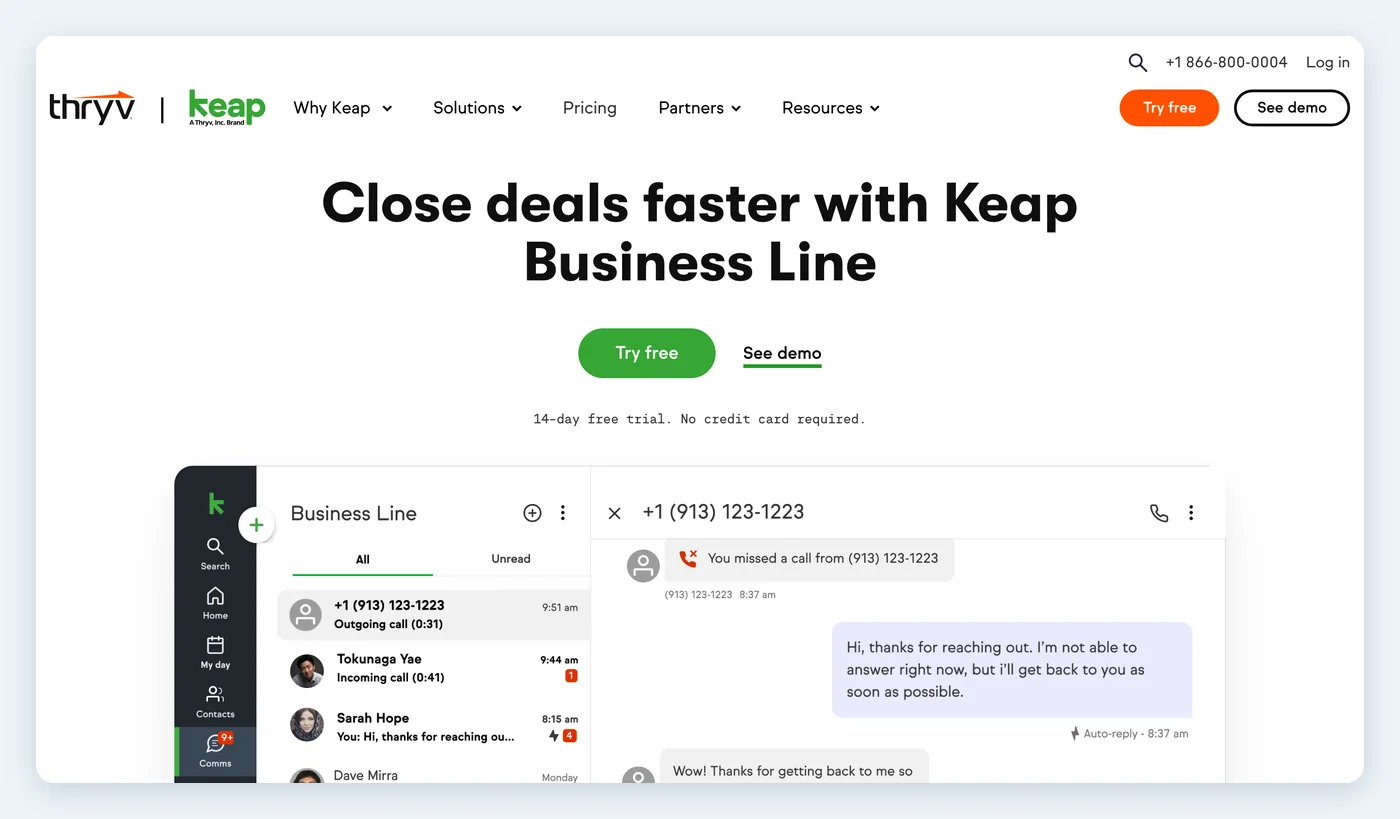
Keap, now part of Thryv, combines a CRM with email and text automation for service businesses.
- Calling: Keap Business Line puts a second number on your cell phone through the Keap app, and it also works on the desktop. It includes business voicemail, auto-replies and a separate snooze setting.
- Numbers: you get a toll-free number by default, and a local number is a paid upgrade.
- Best for: solo owners and very small service businesses that want to separate work calls from personal calls.
- Watch out for: Business Line works only in the US and Canada, each account gets one business line, and voice minutes come in tiers. We did not see a dialer or call routing on its pages, so it is not a fit for a calling team.
Popular CRMs we left off, and why
These names come up often in searches for CRM calling, but we would not pick them for built-in calling today.
- Pipedrive: Pipedrive's help center says it doesn't have a built-in calling integration. You install a calling app from its Marketplace, such as Aircall, JustCall, CloudTalk or Kixie. Its mobile app can place calls through your phone and prompt you to log them.
- Zoho CRM: it connects to telephony providers, including Zoho Voice, which is a separate Zoho product. Bigin is the Zoho CRM that advertises built-in calling.
- Zendesk Sell: it has calling, but Zendesk is retiring Sell on August 31, 2027, so it is a poor choice for a new team.
Built-in calling or a connected phone system?
Built-in calling is the simpler choice for most small teams. There is one login and one vendor to call when something goes wrong, your number lives in the CRM, and there is no connector to break. You give up some depth, because a dedicated phone system may have more call center features.
A connected phone system makes sense if you already have one you like, if you depend on desk phones or if you run a larger call center. Aircall, JustCall and RingCentral are common choices that connect to many CRMs. Before you commit, test the connection: make and receive a call, then check that both log to the right contact and that the recording is easy to find.
Which one should you pick?
- You mostly answer leads and follow up by phone and text: GoCRM.
- Your team makes outbound calls all day: Close, or Ringy if you sell insurance or sell mainly by phone.
- You already run on HubSpot: try its calling tool first, and watch your monthly minutes.
- You want a simple pipeline and a low-effort start: Bigin by Zoho.
- You want a dialer in a general sales CRM: Salesmate.
- You need numbers in several countries: Freshsales or Salesmate.
- You are a solo owner who needs a second number: Keap.
- You are a marketing agency: HighLevel.
- You run a call center or are replacing an older phone system: Bitrix24.
- You are a real estate team: see GoCRM for real estate. Follow Up Boss is the other one to look at, with calling as a paid add-on on its entry plan and included on the next plan up.
Recording and calling rules to check first
This is a short summary, not legal advice. Rules vary by state and country, so ask your attorney before you turn on recording or a dialer.
- Recording consent: federal law generally requires the consent of one person on the call, but some states, including California and Florida, require everyone on the call to agree. If you call across state lines, the simple habit is to say at the start that the call is being recorded.
- Do Not Call: sales calls generally can't go to numbers on the National Do Not Call Registry unless you have permission or an existing business relationship. Telemarketing calls are also limited to 8 a.m. to 9 p.m. in the person's local time.
- Autodialed and prerecorded calls: autodialed or prerecorded telemarketing calls to cell phones generally need prior express written consent. Ask about predictive dialers and voicemail drops before you use them.
- Caller ID: use numbers that really reach your business when someone calls back, including any local numbers.
Frequently asked questions
What is the best CRM with built-in calling?
It depends on how your team uses the phone. For small teams that answer leads by phone and text, we would pick GoCRM, and we are biased. For high-volume outbound sales, Close is the strongest option here. If you already use HubSpot, try its calling tool before you add anything else.
Which CRMs offer built-in calling and dialing?
All ten CRMs on this list let you call from the CRM. Close, HubSpot, Freshsales, Salesmate, HighLevel, Bitrix24 and Ringy also list dialers that move through a call list for you, and Close adds a predictive dialer on its top plan.
What is the difference between built-in calling and a phone system integration?
With built-in calling, the phone and the customer record are one system. With an integration, you pay for a separate phone provider and connect it to the CRM, which then syncs calls back to the contact. Our built-in calling page explains how this works in GoCRM.
Can a CRM replace my business phone system?
For many small teams, yes. A CRM with built-in calling can provide numbers, routing, voicemail, recording and mobile calling, with no desk phones. A larger office that relies on desk phones or advanced call center features may be better off connecting its phone system instead.
Can I keep my existing business number?
Often, but check before you buy. Close, Freshsales, HighLevel and Bitrix24 document number porting, and Freshworks warns it can take four to six weeks. HubSpot lets you register an existing number as outbound caller ID only. Keep your old service active until the move is finished.
Does built-in calling cost extra?
Usually, at least in part. Close, Freshsales, Salesmate, Bigin and HighLevel charge for usage. HubSpot and Keap include a set number of minutes, depending on your plan or tier. Ask for the rates on numbers, minutes and recording before you compare plan prices.
What is the best CRM with a built-in business phone number for contractors?
Look for a local number, a mobile app that keeps your personal number private and an automatic text after a missed call, because you will often be on a job when the phone rings. GoCRM does all three and has pages for contractors and HVAC companies. Keap Business Line is a simpler option for a solo owner in the US or Canada.
Does Pipedrive have built-in calling?
No. Pipedrive's help center says it doesn't have a built-in calling integration, so you add a calling app from its Marketplace. Its mobile apps can place calls through your phone and log them.
If texting matters as much as calling, see our guide to the 10 best CRMs for texting. To measure which marketing makes the phone ring, read our guide to call tracking.
Want to see calling, texting and follow-up working together? Book a GoCRM demo.